View
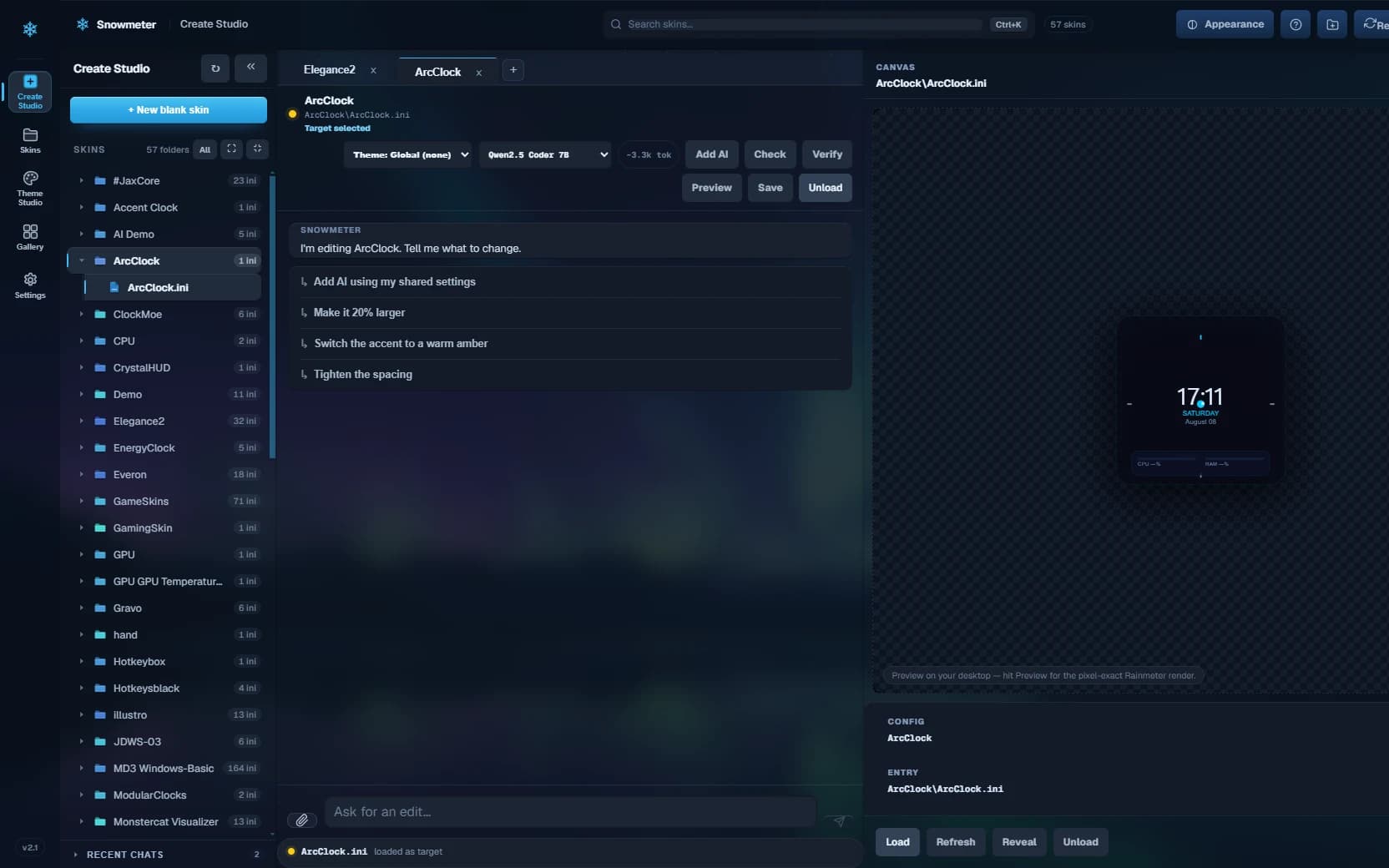
Browse every installed skin as a real project, see what is loaded, and preview the result without digging through folders.
Live widgets for your Windows desktop
Clocks, system stats, weather, music, game overlays — live on your desktop, built and edited in one studio. Describe what you want in plain language; Snowmeter writes the widget, shows you the diff, and puts it on screen. Powered by Rainmeter, the engine trusted for 20 years — no text editor required.
One studio, the whole loop
Snowmeter is built around the way Rainmeter work actually happens—not a generated mockup of it.
Browse every installed skin as a real project, see what is loaded, and preview the result without digging through folders.
Open the source beside a live canvas, ask for a change in plain language, inspect the diff, then choose exactly which files to write.
Start from a blank idea or a saved theme. Snowmeter builds the Rainmeter project, checks it, and loads it on your desktop.
Snowtheme engine
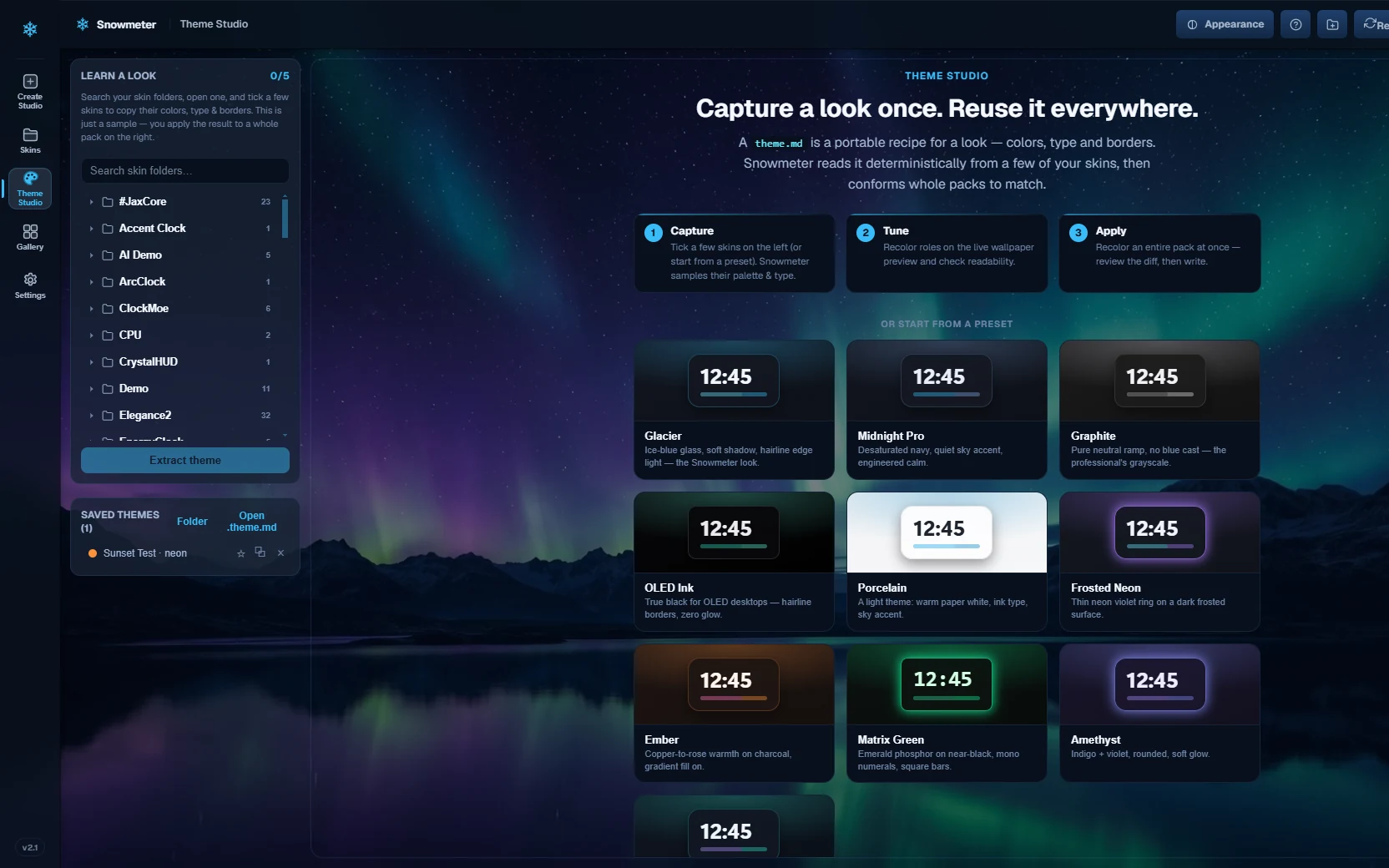
Theme Studio reads color roles, typography, spacing, borders, and effects from real skins and saves the result as a portable theme.md recipe.
colors · typography · borders · layoutBuilt and running
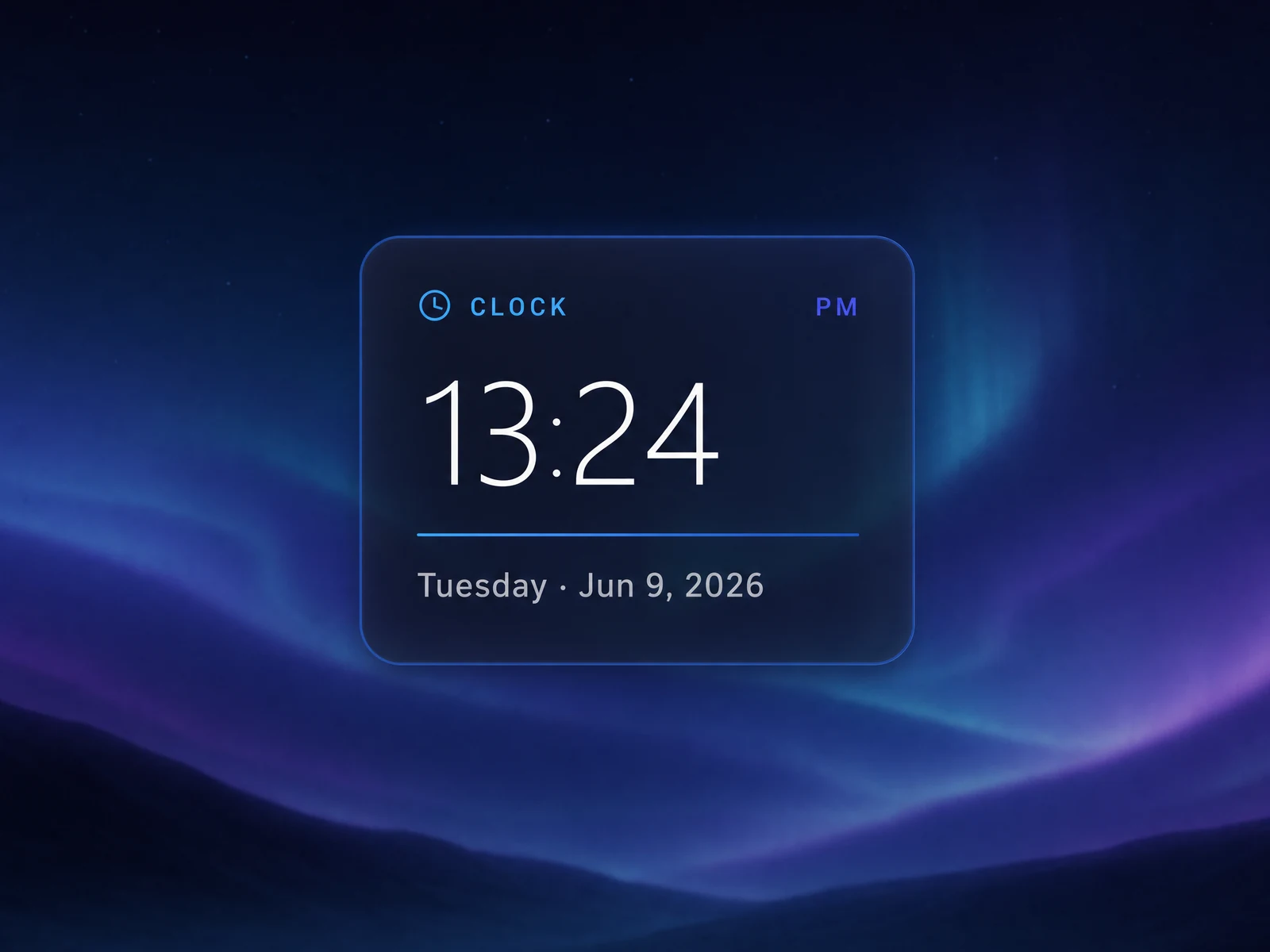
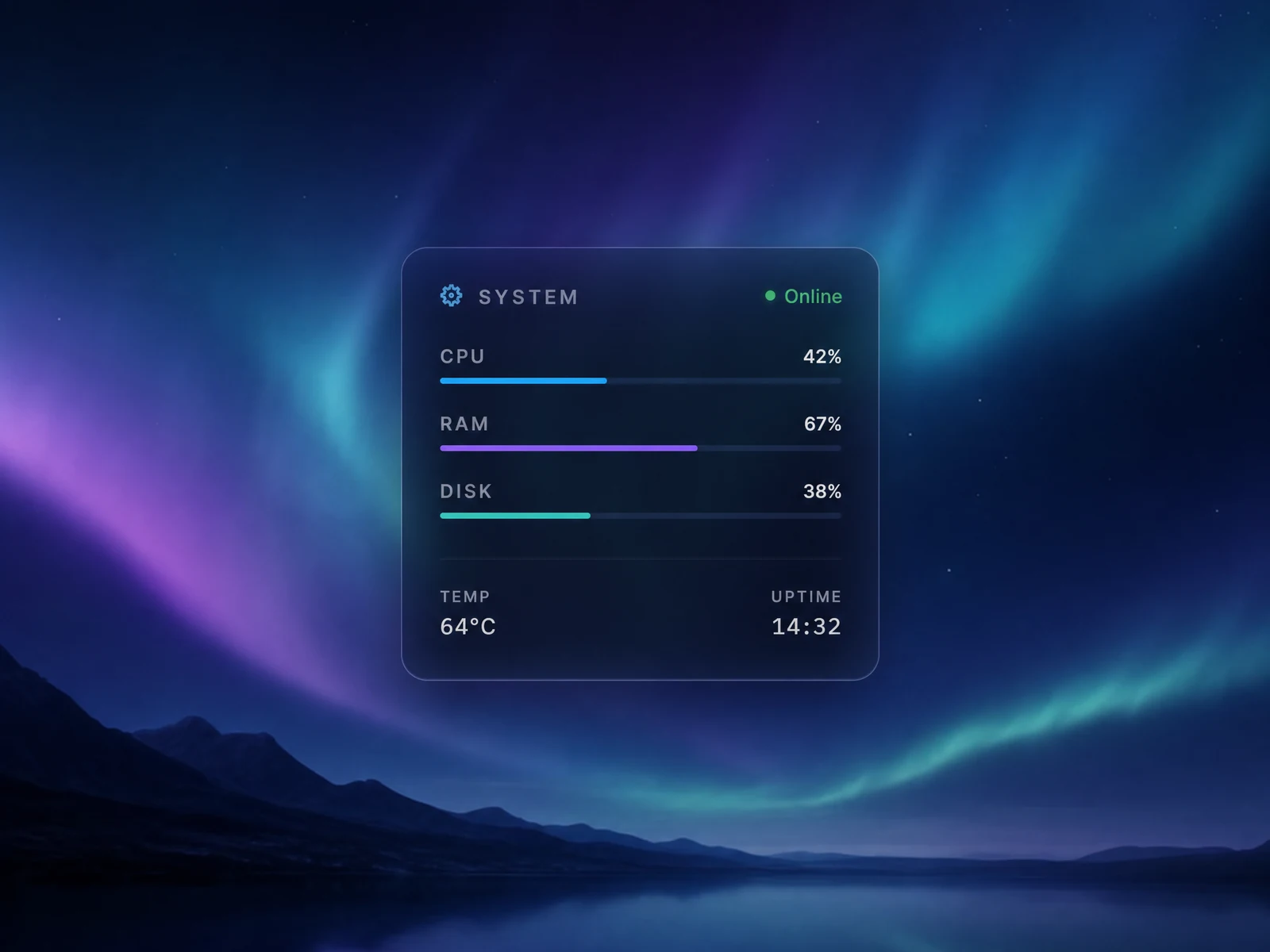
These are Snowmeter tools on an actual desktop. The product shots stay honest because the output is the product.
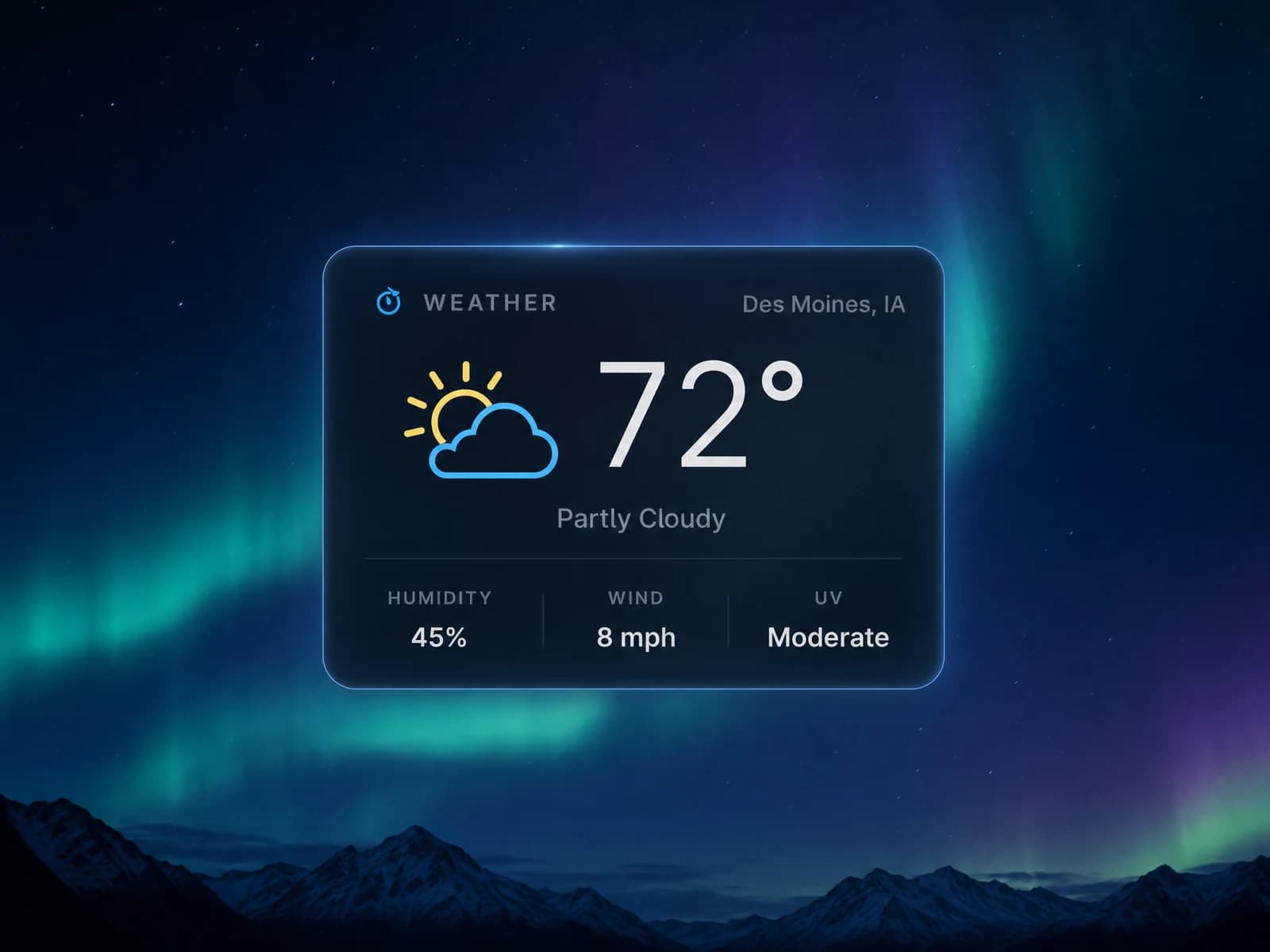


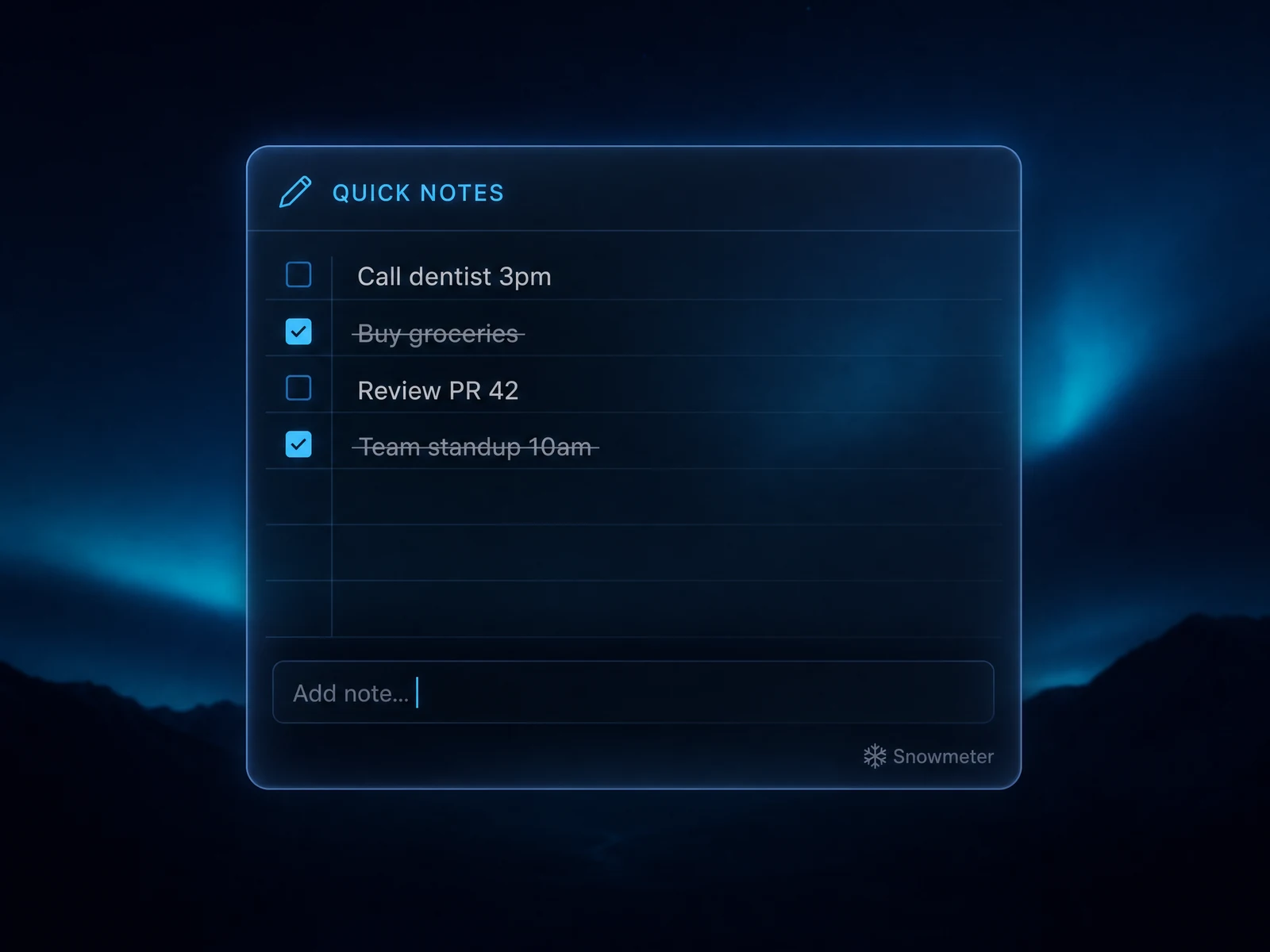
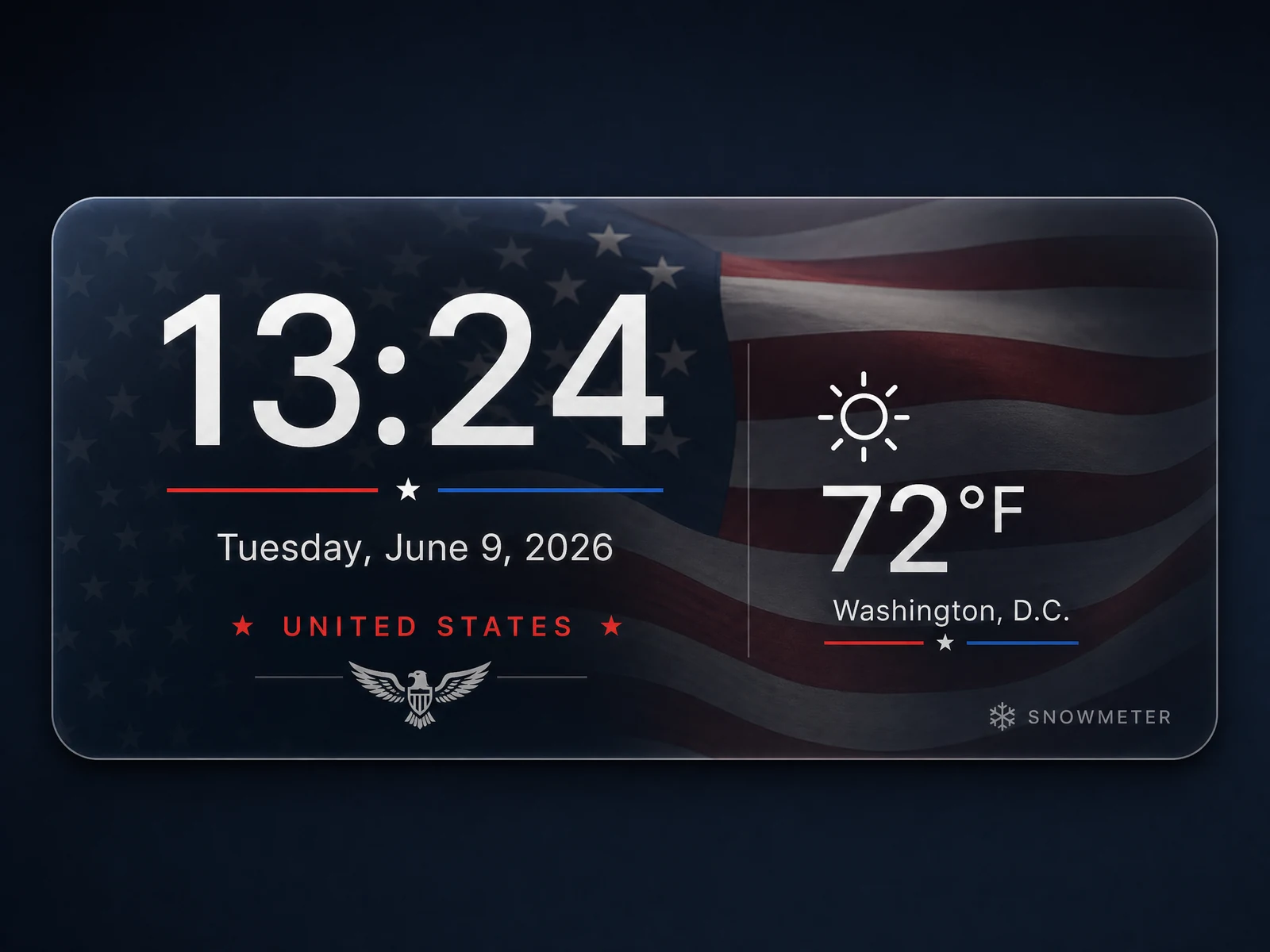
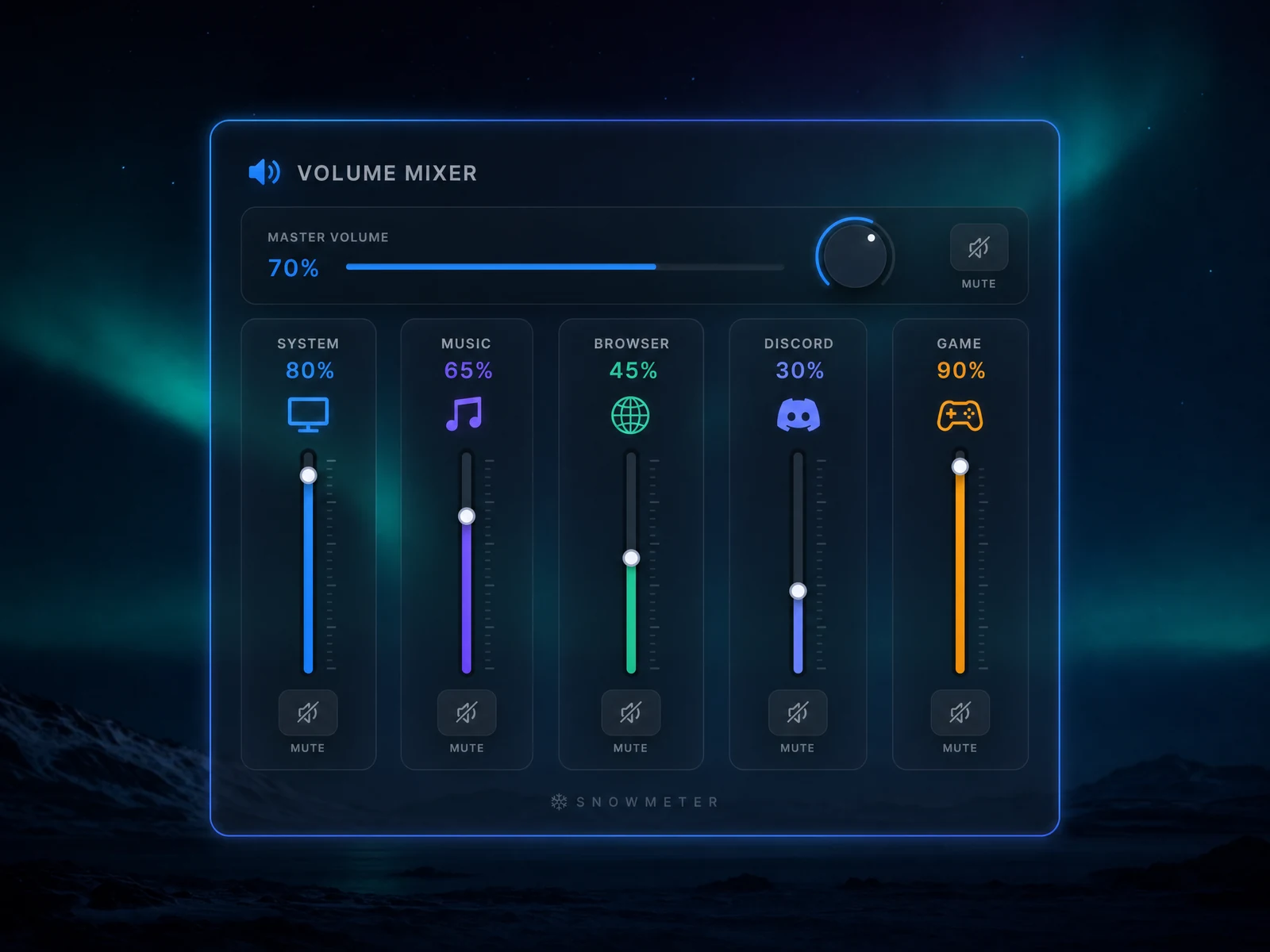
New — GameSkin
GameSkin is one universal Rainmeter overlay that reads portable game cards — the same idea as Snowtheme, pointed at games. Load the Madden card and your ball-carrier moves sit beside the game; load a Soulcalibur card and it becomes a move list for your character. Cards are plain.game.md files: share one and everyone gets the same overlay.
One brain, one private config
Bring a cloud model or run one locally. Snowmeter supplies the Rainmeter context, validates the result, and keeps every proposed file under your control. The desktop suite uses the same local brain.
Where Snowmeter sits
Honest answer, because you will search it anyway: Rainmeter and JaxCore are both excellent. They just answer different questions.
The engine
Free, battle-tested, and behind two decades of community skins. It renders everything — including everything Snowmeter makes. You build by hand-editing .ini files in a text editor and reloading to see what changed.
A finished suite
A beautiful, polished set of widgets with its own settings hub. You get Jax's modules and Jax's look — configuration, not creation. When you want a widget that doesn't exist in the set, you're back to the text editor.
The studio
Works on anyskin — the ones you installed, the ones JaxCore-era suites shipped, the ones that don't exist yet. Describe a change in plain language, review the exact file diff, and load it live. Capture any look as a portable theme.md that checks its own readability and derives its own dark, light, and AMOLED versions.
Snowmeter drives Rainmeter — it doesn't replace it. Keep every skin you already love.
Free and open source
Start with a real skin, a blank prompt, or a saved Snowtheme recipe.